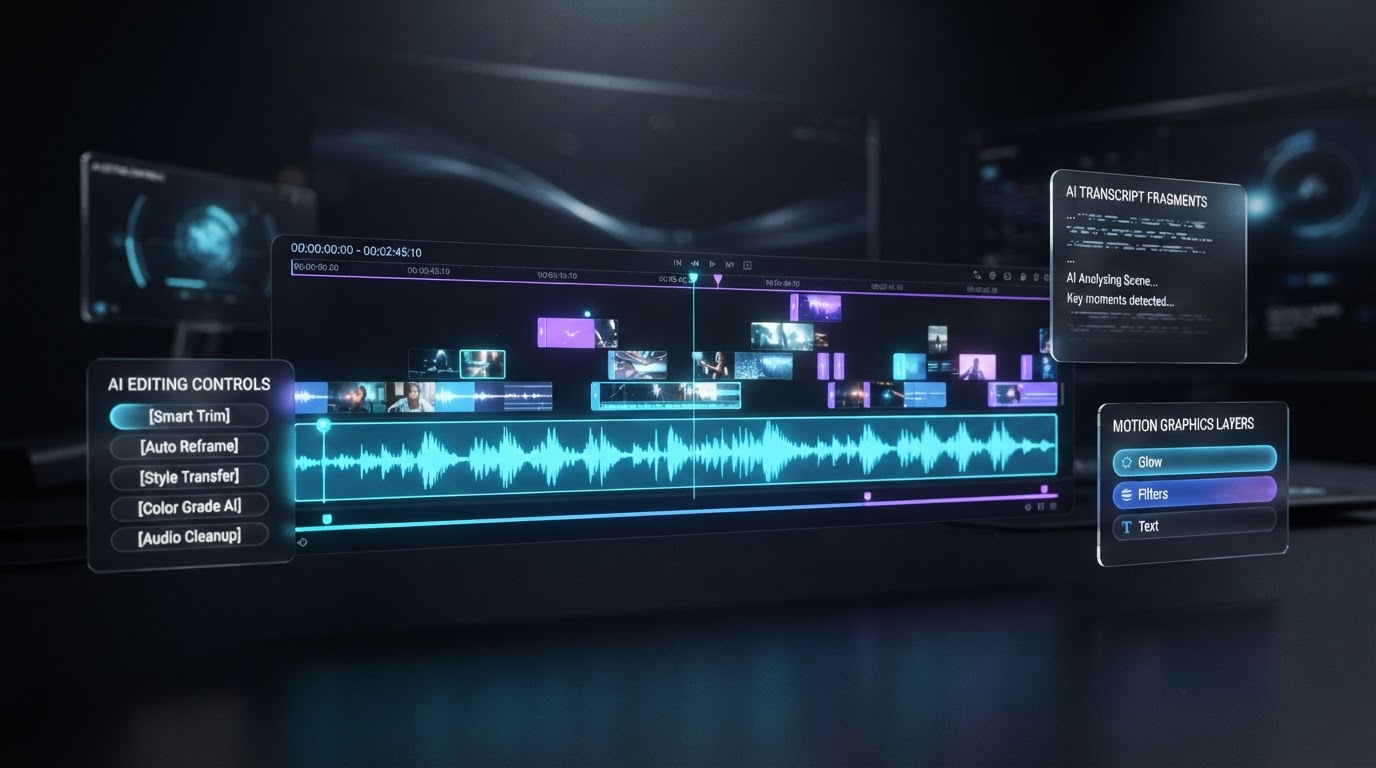
Edit Unlimited Videos.
Pay Zero Cloud AI Token Fees.
Turn your computer into a powerful AI video-editing workstation. Create professionally styled YouTube videos with intelligent editing, cinematic motion graphics, presenter-aware effects, and timestamped transcripts. Your local AI handles the heavy lifting — no per-video cloud AI inference charges for the core editing workflow.
One software purchase. Unlimited local AI editing runs. Your footage. Your creative control.
- One software purchase
- Unlimited local AI editing runs
- No per-video cloud AI token fees
You didn't become a creator to spend your life editing.
You have ideas worth sharing. But recording the video is often the easy part. Then come the endless cuts, captions, graphics, revisions, subscriptions, and editing expenses — and the more videos you produce, the more those recurring costs accumulate. What if your editing workflow could finally keep up with your ambition?
Time
Hours spent manually cutting, captioning, and refining every single video.
Money
Recurring AI inference and editing expenses that grow with every upload.
Complexity
Too many tools, too many tabs, and workflows no one else can follow.
Momentum
Great ideas delayed or abandoned because editing takes too long.
See what DKAiEDIT can do.
A premium side-by-side comparison. On the left, original raw footage. On the right, the same footage after DKAiEDIT enhancement — shown with authentic, editable CapCut timelines. (Placeholders stand in for real demonstration footage; nothing here is fabricated.)
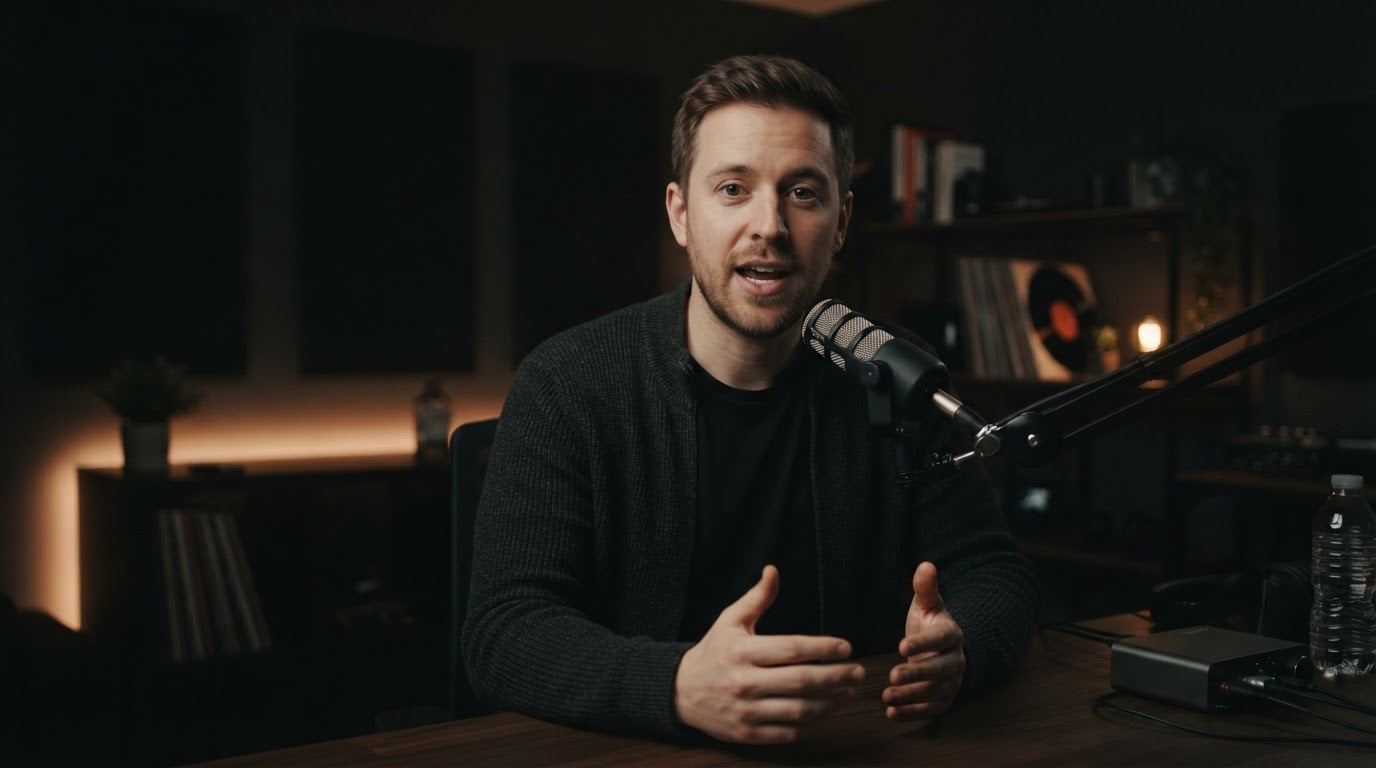 Original raw footage
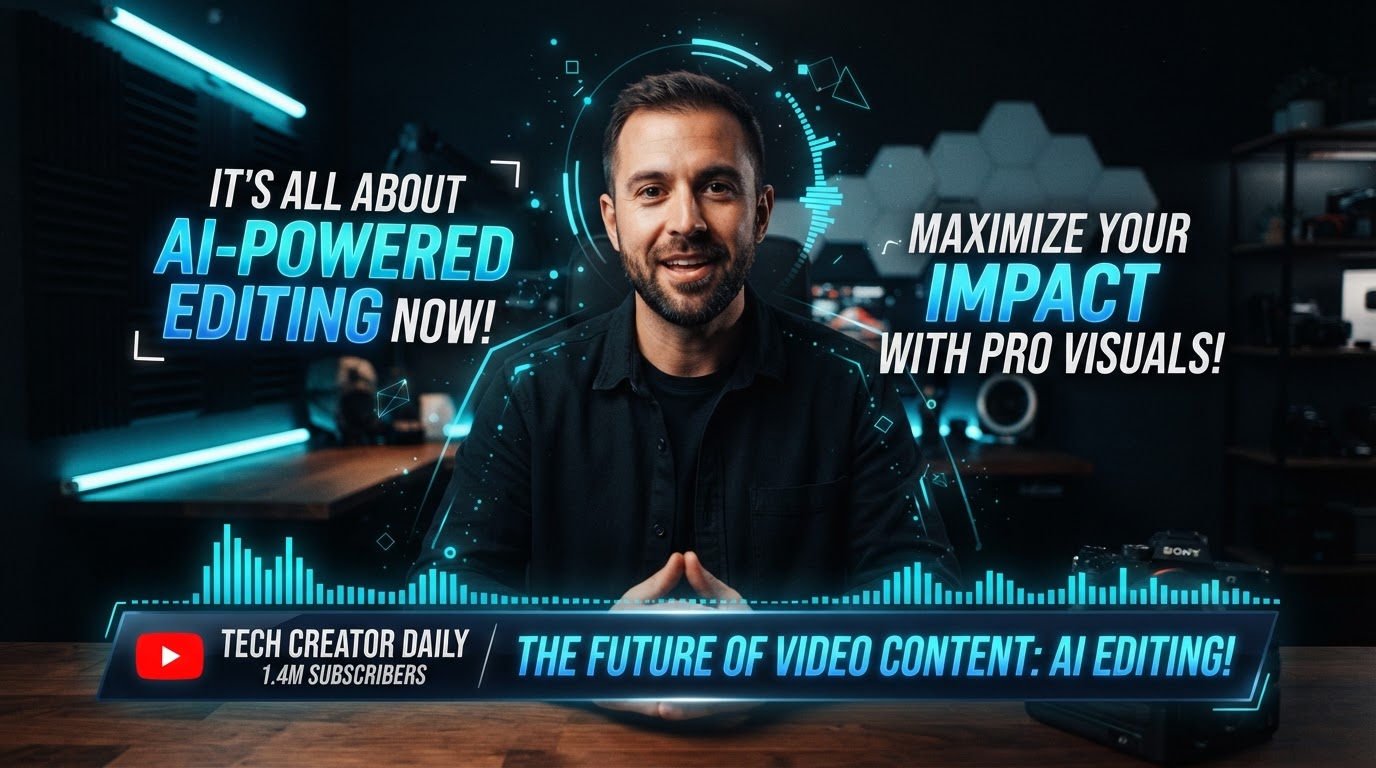 DKAiEDIT-enhanced
- Intelligent cuts
- Animated typography
- Professional motion graphics
- Presenter-aware graphics
- Sophisticated visual explanations
- Editable CapCut timelines
From raw footage to professional video. Five simple steps.
Make this the visually dominant stage.
DKAiEDIT runs two connected capability groups on your local machine — one for the edit, one for the transcript and SEO — then hands a clean, editable project back to CapCut.
AI Video Editing
- Intelligent cuts
- Speech cleanup
- Kinetic typography
- Motion graphics
- Presenter-aware effects
- Composition balancing
- Platform-aware safe zones
AI Transcription + SEO
- Automatic local transcription
- Timestamped transcripts
- SRT subtitle files
- Suggested YouTube chapters
- SEO titles & descriptions
- Shorts recommendations
Record
Record your video using your preferred camera or recording software.
Import
Import your footage into CapCut.
AI Edit + Transcribe
Local AI runs intelligent cuts, motion graphics, transcription, captions, and SEO materials.
Review
Preview your edited video in CapCut. Make any desired manual adjustments.
Publish
Export your finished video and use the generated transcripts, captions, chapters, and metadata.
Unlimited local AI editing. Zero cloud AI token fees.
How much is video editing really costing you?
Most AI editing comparisons show what one video costs. But what happens when you're producing 30, 60, or 90 videos every month?
MOVE THE SLIDERS BELOW
And see how those costs add up.
Adjust your numbers
$15 is an illustrative midpoint, not a verified industry average.
Your projected results
Total videos
360
Estimated cloud AI editing expenses
$5,400
DKAiEDIT comparison cost
$997
Estimated savings
$4,403
Estimates are based on your selected video production volume and assumed cloud AI processing costs. DKAiEDIT™ is a $997 one-time purchase with no per-video cloud AI token fees for its core local editing workflow. Compatible hardware, CapCut, electricity, and human review are required. Actual savings and processing times vary.
“AI Doesn’t Sleep, Burn Out, or Quit—It Just Gets Better”
What could you do with your time back?
Compare your current editing workflow against DKAiEDIT. Unattended processing time is shown separately from actual hands-on labor savings — because your computer working is not the same as you working.
60h
per month
5h
your computer works
0m
hands-on per month
60h
60.0 hrs/mo
These are illustrative scenarios, not guaranteed processing times. DKAiEDIT processing speed depends on video duration, hardware, model configuration, and editing complexity. A placeholder for an authentic timestamped production-speed demonstration will be added here.
Your video is edited. Your transcript is ready. Your YouTube SEO gets a head start.
While DKAiEDIT edits, it also generates everything you need to publish — locally, on your machine.
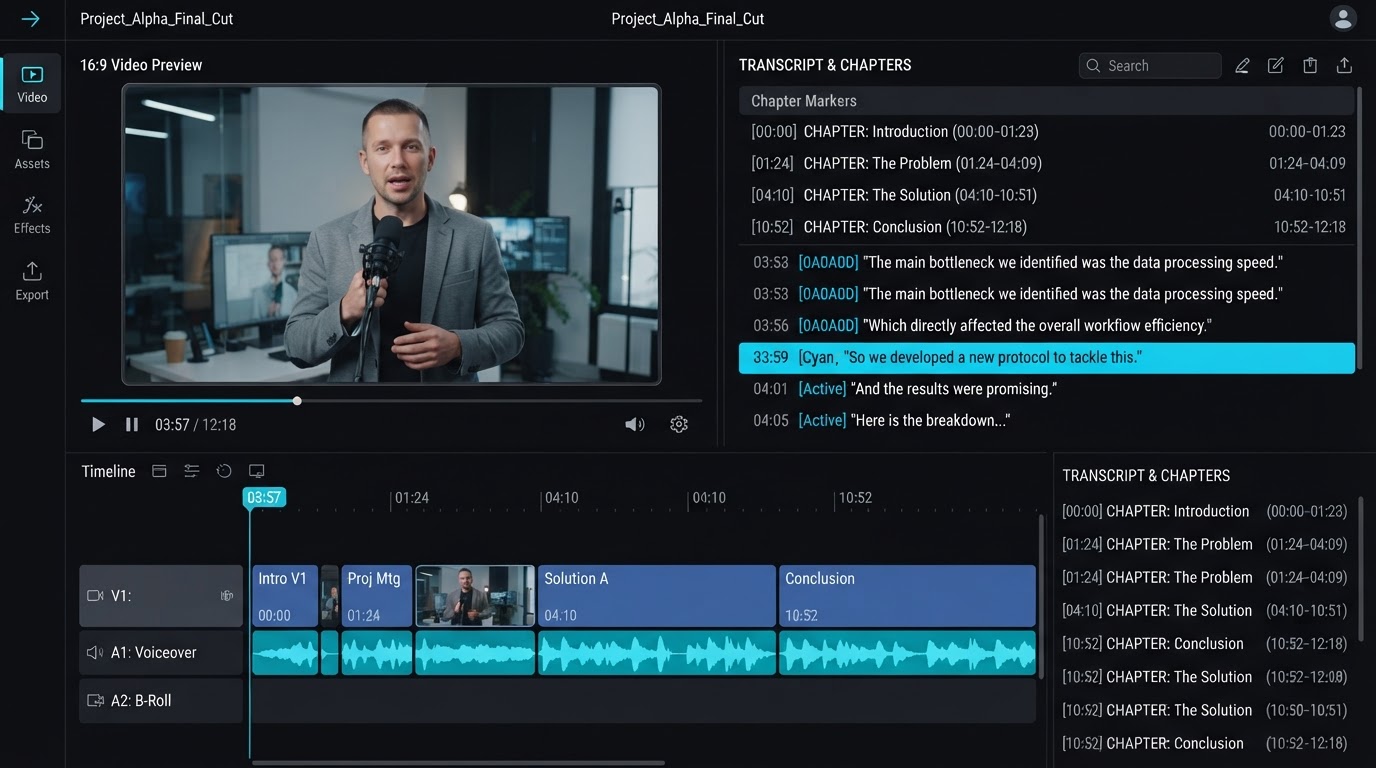
DKAiEDIT generates timestamped transcripts, SRT captions, suggested YouTube chapters, video titles, descriptions, relevant keywords and hashtags, and Shorts recommendations — all from the local AI engine.
- 00:00Intro
- 01:24The Problem
- 03:10How DKAiEDIT Works
- 06:45Before & After
- 09:30Getting Started
Transcription is performed locally on your machine. We do not promise specific YouTube rankings — chapters and metadata give your SEO a head start, but results depend on your content and audience.
Your computer. Your AI editing engine. No cloud token meter.
DKAiEDIT uses local AI processing rather than requiring cloud AI inference for each core editing run. For high-volume creators, that means higher production volume does not automatically create higher cloud AI token charges.
Daily creators
Produce daily without per-video cloud AI inference charges adding up.
High-volume YouTubers
Higher production volume does not automatically create higher cloud AI token charges for the core workflow.
Content businesses
Scale output without scaling recurring AI editing costs at the same rate.
Marketing teams
Increase production capacity across campaigns without per-video inference fees.
Video production pros
Run the core local AI workflow repeatedly without cloud AI token metering.
Compatible hardware is required. DKAiEDIT runs locally using on-device AI models (Ollama + transcription). It has been developed and tested on Apple Silicon Macs. CapCut, hardware, and electricity are not free — and optional third-party services may carry their own costs.
Every feature is a benefit, not just a spec.
Premium, glass-effect cards — each one explains what DKAiEDIT does for your videos, not merely the technology behind it.
AI speech editing
Trim and refine spoken-word footage without scrubbing every frame by hand.
Filler-word detection
Catch ums, ahs, and pauses automatically so your delivery stays tight.
Intelligent timeline cuts
Let the local AI propose cuts that respect pacing and natural speech.
Presenter-aware motion graphics
Graphics track your presenter so overlays never cover the action.
Animated typography
Kinetic captions that match your words and keep mobile viewers locked in.
Visual composition balancing
Reframe and balance shots for a more professional, deliberate look.
Professional editing styles
Apply consistent, polished visual styles across your whole channel.
Platform-aware safe zones
Keep captions and graphics inside safe zones for every platform.
Local Whisper transcription
Transcribe on-device — your audio never leaves your machine for the core workflow.
Timestamped SRT captions
Ready-to-use subtitle files synced to your final video.
YouTube chapter generation
Suggested chapters give viewers and SEO a clear map of your content.
SEO publishing materials
Titles, descriptions, and keywords to kick-start your publishing workflow.
Shorts recommendations
Spot moments worth turning into Shorts, straight from your long-form edit.
Editable CapCut projects
You get a clean, editable CapCut timeline — you stay in creative control.
Built for creators who want to create more and edit less.
Serious YouTube creators
Produce more without proportionally increasing recurring AI editing costs.
Entrepreneurs
Recover time for growing your business instead of editing every video.
Coaches & educators
Turn expertise into professionally presented content your audience trusts.
Content marketing teams
Increase production capacity without scaling editing overhead at the same rate.
Agencies
Reduce repetitive editing work and improve production economics for clients.
Beginning creators
Use built-in editing intelligence to produce more polished content from day one.
Your local AI video-editing workstation.
One payment. Unlimited local AI editing runs. No recurring cloud AI inference charges for the core editing workflow.
Get DKAiEDIT 1.0 — $997$997 one-time purchase • Digital delivery • All sales final
Review software requirements & purchase terms- Core local AI editing engine
- CapCut editing integration
- Professional visual styles
- Presenter-aware motion graphics
- Transcription and captions
- YouTube publishing materials
- Local AI processing without per-video token charges
All sales final — digital software product
"DKAiEDIT™ is a downloadable digital software product. Due to the immediate delivery and non-returnable nature of digital software, all sales are final. Please review the product details and system requirements carefully before purchasing."
DKAiEDIT includes the core local AI editing engine and CapCut integration. Final licensing, installation, support, and update terms will be displayed at checkout. Future software updates are not promised unless explicitly authorized in the license terms — the 1.0 software purchase is delivered as-is.
Love DKAiEDIT? Earn $498.50 sharing it.
Earn 50% commissions on qualifying DKAiEDIT™ software sales. Each qualifying $997 purchase generates a $498.50 affiliate commission.
How much could you earn?
Move the slider and discover your potential earnings by sharing DKAiEDIT™ with other creators.
Each qualifying $997 sale pays a $498.50 commission.
$4,985.00
Potential gross commissions
Estimated sales
500
Floor(100,000 × 0.5%)
Potential gross commissions
$249,250.00
Hypothetical earning scenarios only — not guaranteed results. Actual conversions vary widely based on audience engagement, content quality, and market fit. Commissions apply only to qualifying purchases and are subject to program terms, payment reversals, and chargebacks.
Your audience. Your influence. Your opportunity.
Already creating content? Turn your recommendations into a potential new revenue stream by introducing DKAiEDIT™ to your audience.
Affiliate participation requires approval. Commissions are subject to program terms, refunds, and qualifying purchase requirements. This is not a promise of guaranteed earnings.
The DKAiEDIT creator ecosystem.
We're building a Skool community for DKAiEDIT creators. It's planned, not yet released — joining the waitlist does not unlock unreleased features.
Join the waitlist
Be first to hear when the community opens. Potential future benefits include:
- Advanced tutorials
- Creator collaboration
- Editing workflows
- Product updates
- Group coaching
- Implementation assistance
Questions, answered straight.
DKAiEDIT™ 1.0 is a local AI video-editing workstation that turns raw recordings into professionally styled videos — intelligent cuts, motion graphics, captions, and transcripts — then hands you a clean, editable CapCut project. It runs its core editing intelligence locally, without per-video cloud AI inference charges.
Yes. DKAiEDIT uses locally running AI models (Ollama + transcription) to perform its core video-editing intelligence on your own machine. Your footage does not leave your computer for the core editing workflow.
No. The core local AI editing workflow has no recurring cloud AI inference charges. You can run the core local editing workflow repeatedly without per-video cloud AI token fees. Compatible hardware, editing software, and electricity are still required, and optional third-party services may carry their own costs.
DKAiEDIT currently integrates with CapCut. You import your footage into CapCut, DKAiEDIT produces the enhanced editable project, and you review and export from CapCut.
DKAiEDIT has been developed and tested on Apple Silicon Macs. It runs local AI models, so it needs capable hardware. We don't publish invented minimum system requirements — specific compatibility details will be provided with the software. Windows PC support is planned but not yet validated.
Not yet. DKAiEDIT is currently developed and tested on Apple Silicon Macs. Windows compatibility is planned but not yet verified. We will not advertise Windows support as available until it is validated.
There is no guaranteed processing time. DKAiEDIT processing speed depends on video duration, your hardware, model configuration, and editing complexity. The time-savings section on this page uses illustrative scenarios, not promises.
Yes. DKAiEDIT hands you a clean, editable CapCut project. After the AI edit, you preview in CapCut and make any manual adjustments you want before exporting.
Yes. DKAiEDIT performs local transcription and produces timestamped final-video transcripts plus SRT subtitle files for your finished video.
Yes. DKAiEDIT generates SRT captions and suggested YouTube chapters, plus SEO-oriented titles, descriptions, keywords, hashtags, and Shorts recommendations. We do not promise specific YouTube rankings — these materials give your SEO a head start.
The $997 purchase delivers DKAiEDIT 1.0 as-is. Future updates are not promised unless explicitly authorized in the license terms. Final licensing, installation, support, and update terms are displayed at checkout.
All DKAiEDIT™ purchases are final. As a downloadable digital software product, DKAiEDIT™ cannot be returned once delivered or accessed. Please review the product description, system requirements, and software compatibility information before completing your purchase.
Approved partners receive personal referral links with affiliate tracking and commission reporting. Affiliates earn 50% commission on qualifying software sales. Participation requires approval, and commissions are subject to program terms, refunds, and qualifying purchase requirements. Earnings are not guaranteed.
Compatibility disclosure: DKAiEDIT is currently developed and tested on Apple Silicon Macs. Windows PC support is planned but not yet validated. We do not publish invented minimum system requirements.
Create more. Edit less. Stop paying cloud AI token fees per video.
Turn your computer into a powerful local AI video-editing workstation. Produce professionally styled videos while maintaining creative control.
Get DKAiEDIT 1.0 — $997